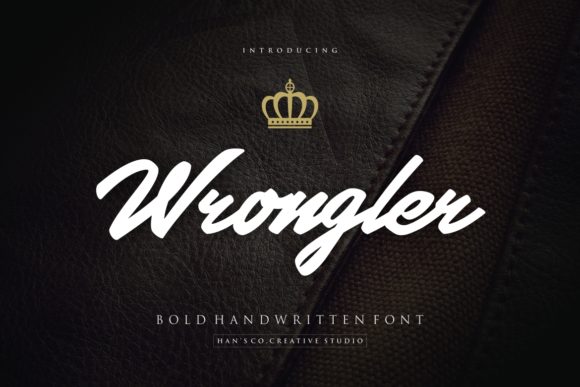
Wrongler
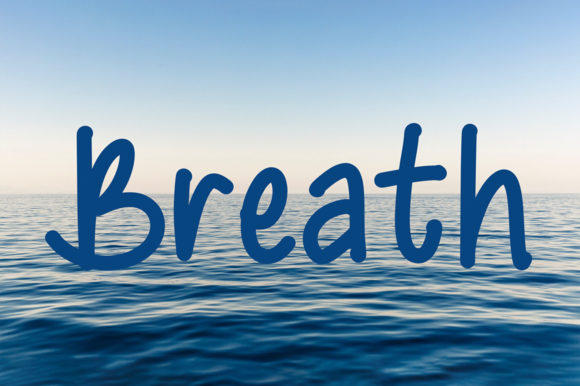
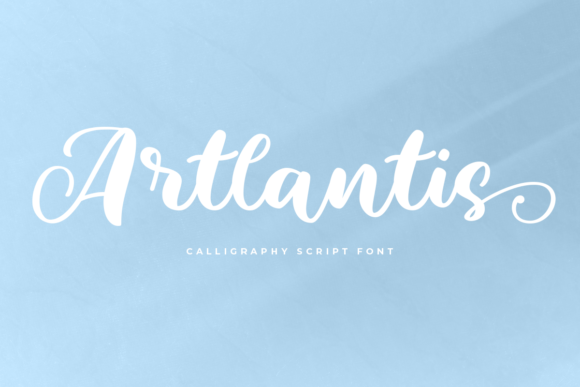
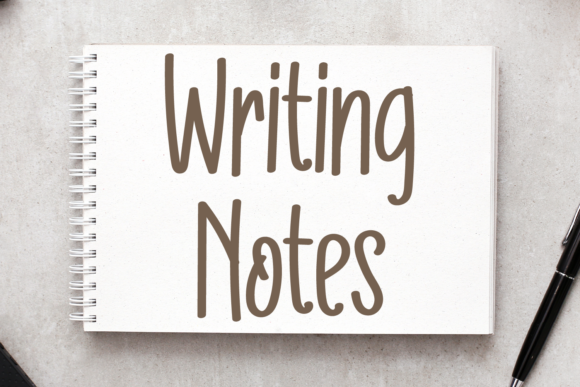
Wrongler isn’t just another handwritten font—it’s a spark of personality with an adventurous spirit, drawn in warm, confident strokes that feel both playful and purposeful. Whether you're designing a children’s book cover, crafting a boutique brand identity, or adding charm to a classroom poster, Wrongler brings energy without sacrificing readability. Its uneven baseline, subtle ink variation, and slightly exaggerated letterforms give it authenticity—like something sketched by hand with intention, not algorithmically smoothed into blandness.
Why people reach for Wrongler (and why that’s smart)
Designers and non-designers alike choose Wrongler when they want to signal approachability, creativity, or lighthearted confidence. It works especially well for brands that value storytelling over sterility—think indie coffee roasters, educational apps for young learners, or handmade craft labels. Unlike overly decorative scripts that vanish at small sizes, Wrongler holds up surprisingly well in headlines, social graphics, and even short blocks of body text—provided it’s used thoughtfully.
Mistake: Assuming “handwritten” means “automatically legible”
Wrongler has character—but it also has quirks. Letters like “a,” “g,” and “r” have distinctive shapes that can blur together in fast-glance contexts. One freelance educator once used Wrongler for all slide titles *and* bullet points in a workshop deck—only to realize mid-session that attendees were squinting at the screen instead of absorbing ideas.
Better approach: Reserve Wrongler for headlines, logos, callouts, or short phrases where its voice shines. Pair it with a clean, neutral sans-serif (like Inter, Lato, or Open Sans) for supporting text. Test readability at actual usage size—not just on your high-res monitor.
Mistake: Overlooking licensing before launching a project
Wrongler is available in multiple versions—some free for personal use, others requiring a commercial license. A small bakery owner downloaded a “free Wrongler” from an unverified site, used it on packaging and Instagram ads, then received a polite but firm notice from the foundry. The issue? That version was a modified, unauthorized derivative—lacking proper kerning, missing OpenType features, and legally unsafe for business use.
Better approach: Always source Wrongler from the official distributor (typically via platforms like Creative Market or the designer’s own site). Check the license terms explicitly: Does it cover web embedding? Social media? Merchandise? Print runs over 5,000 units? If you’re using it for client work, confirm whether your license permits redistribution or requires the client to purchase their own.
Mistake: Ignoring spacing and weight consistency
Because Wrongler mimics natural handwriting, its default tracking and line height often need adjustment. Without tweaking, lines can feel cramped or oddly airy—especially when mixed with other fonts or placed over textured backgrounds. A blogger once applied Wrongler to her newsletter banner without adjusting letter-spacing, resulting in letters that visually collided (“ll,” “ff,” “tt”) and weakened impact.
Better approach: In design tools like Figma or Adobe Illustrator, increase tracking by +20–+50 units for headlines, and adjust line height to at least 1.4× the font size. Use the font’s built-in OpenType features if available—like stylistic alternates for “a” or “g”—to add nuance without switching fonts.
Mistake: Treating it as a one-size-fits-all solution
Wrongler excels in warmth and whimsy—but it doesn’t solve every communication challenge. Using it for legal disclaimers, technical documentation, or multilingual interfaces (especially with diacritics or non-Latin scripts) can backfire. One edtech startup tried using Wrongler across their entire app UI—including error messages and form labels—only to find users missed critical instructions during usability testing.
Better approach: Match font function to user need. Ask: *What action should this text support?* If clarity, speed, or precision is priority, Wrongler belongs in the hero section—not the footer. Reserve it for moments where tone and connection matter most.
What to check before downloading or buying Wrongler
- Character set: Does it include extended Latin characters, numerals, punctuation, and basic symbols you’ll actually use? (e.g., ©, ®, €, —)
- File formats: Are .OTF and .TTF included? Do you need web-optimized WOFF2 for sites?
- OpenType features: Look for ligatures, stylistic sets, or alternate glyphs—these add polish without manual editing.
- Updates & support: Is the font actively maintained? Does the creator offer guidance or troubleshooting?
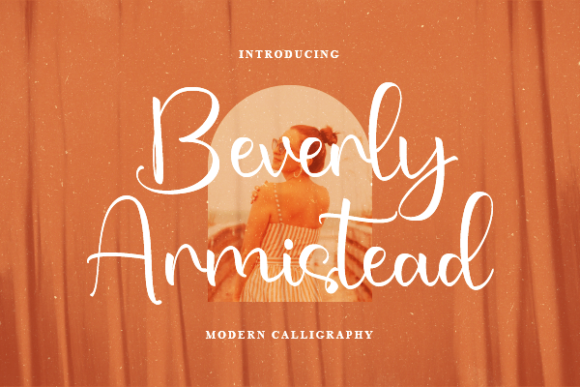
- Real-world samples: Scroll past the flashy mockups. Look for examples showing Wrongler in context—on packaging, signage, or mobile screens—not just isolated letters on white backgrounds.
A smarter way to start using Wrongler
Begin with restraint. Try it in one high-impact place: a logo lockup, a social media story highlight, or the title of your next blog post. Export a few variations—different sizes, colors, and background treatments—and ask someone unfamiliar with your project to read it aloud. If they pause, stumble, or misread a word, simplify. Typography serves meaning first; style follows.
You don’t need to master every feature to benefit from Wrongler. Start with what matters most to your audience: Is it warmth? Distinction? Joy? Then let Wrongler amplify that—not replace clear structure, thoughtful hierarchy, or intentional color use.
When used with care, Wrongler does more than decorate—it invites. It signals that behind the design is a human voice, a considered choice, and a willingness to stand out—not for attention’s sake, but because the message deserves to be felt as much as it’s understood.